
Make music in your browser.
DataJam combines a groovebox and a DAW in your browser, with the ideas of our Reaktor instruments built in: layer loops, play them granular or cut them into slices – and finish full tracks, from the first pad to the final export. Works with the sample packs from Deep Data Loops, on iPad, iPhone, Android and computer. No install.
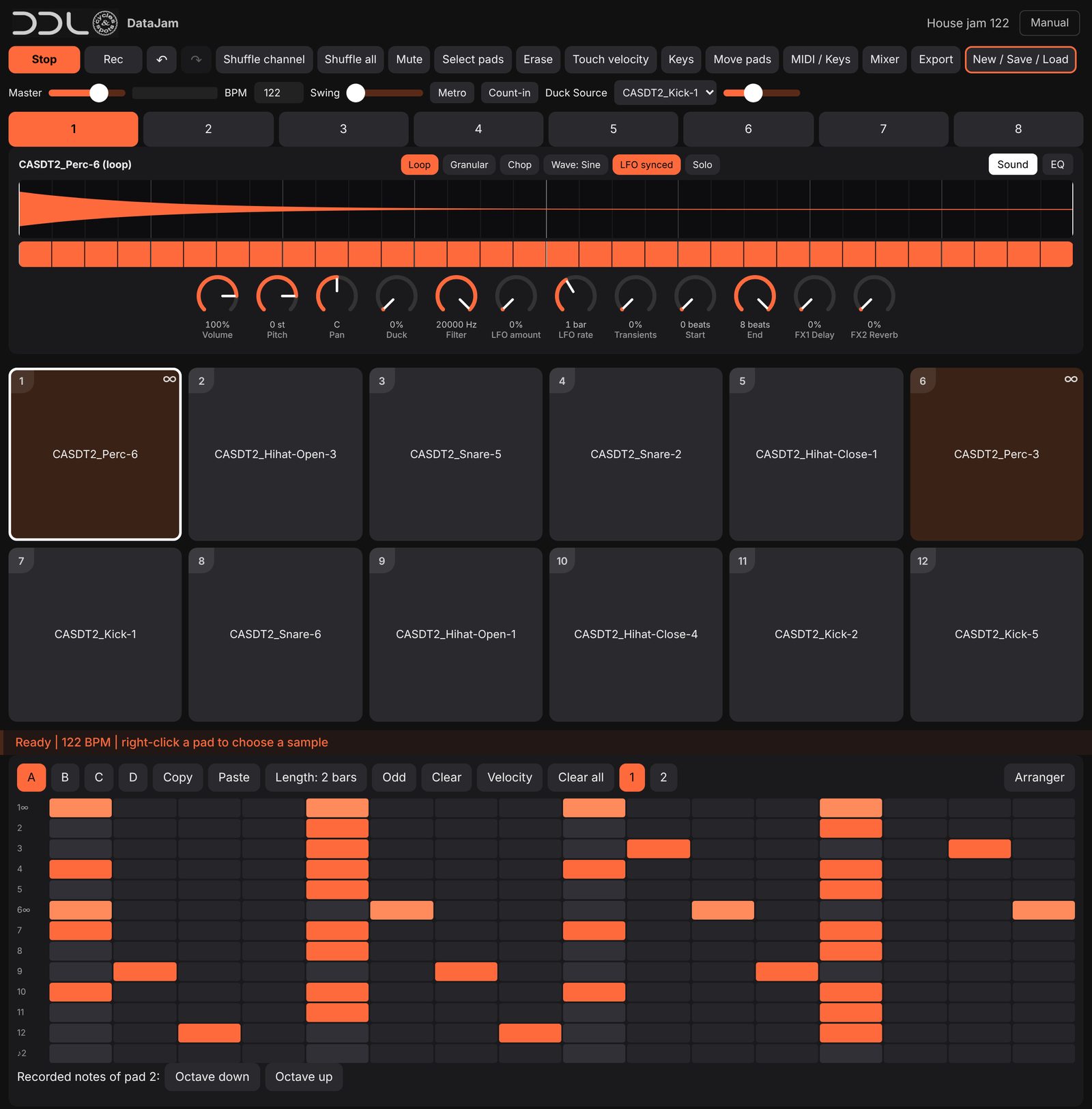
How it works
- Open the app. Tap once so the sound starts. Load a demo song to hear it straight away.
- Play and record. Tap pads, press Start, arm Rec and play. A 2-bar count-in gives you time.
- Shape the sound. Edit panel, EQ, filter, LFO, chop and granular modes.
- Build the song. Pattern A-D per channel, then the Arranger.
- Mix and export. Faders, effects, then a WAV of the mix or the stems.
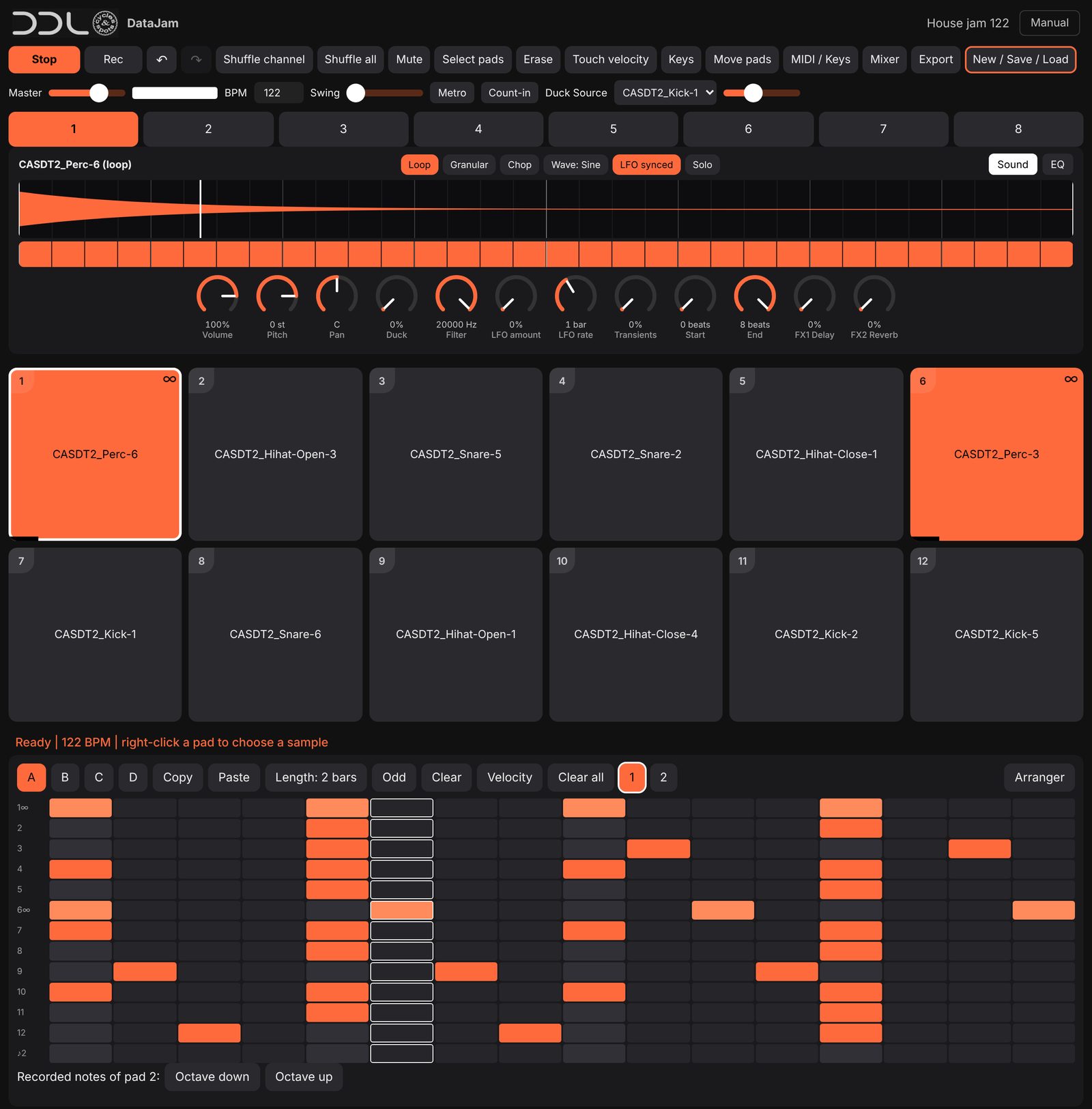
Every pad is an instrument
Each pad has its own volume, pan, pitch, filter with LFO, decay, EQ and sends. Switch a loop into Granular or Chop and play it from the pads or a keyboard.
Keys mode plays any sample as a keyboard in a scale of your choice, with chords and a piano roll. MIDI controllers work in Chrome, and the computer keyboard plays the pads or the notes too.
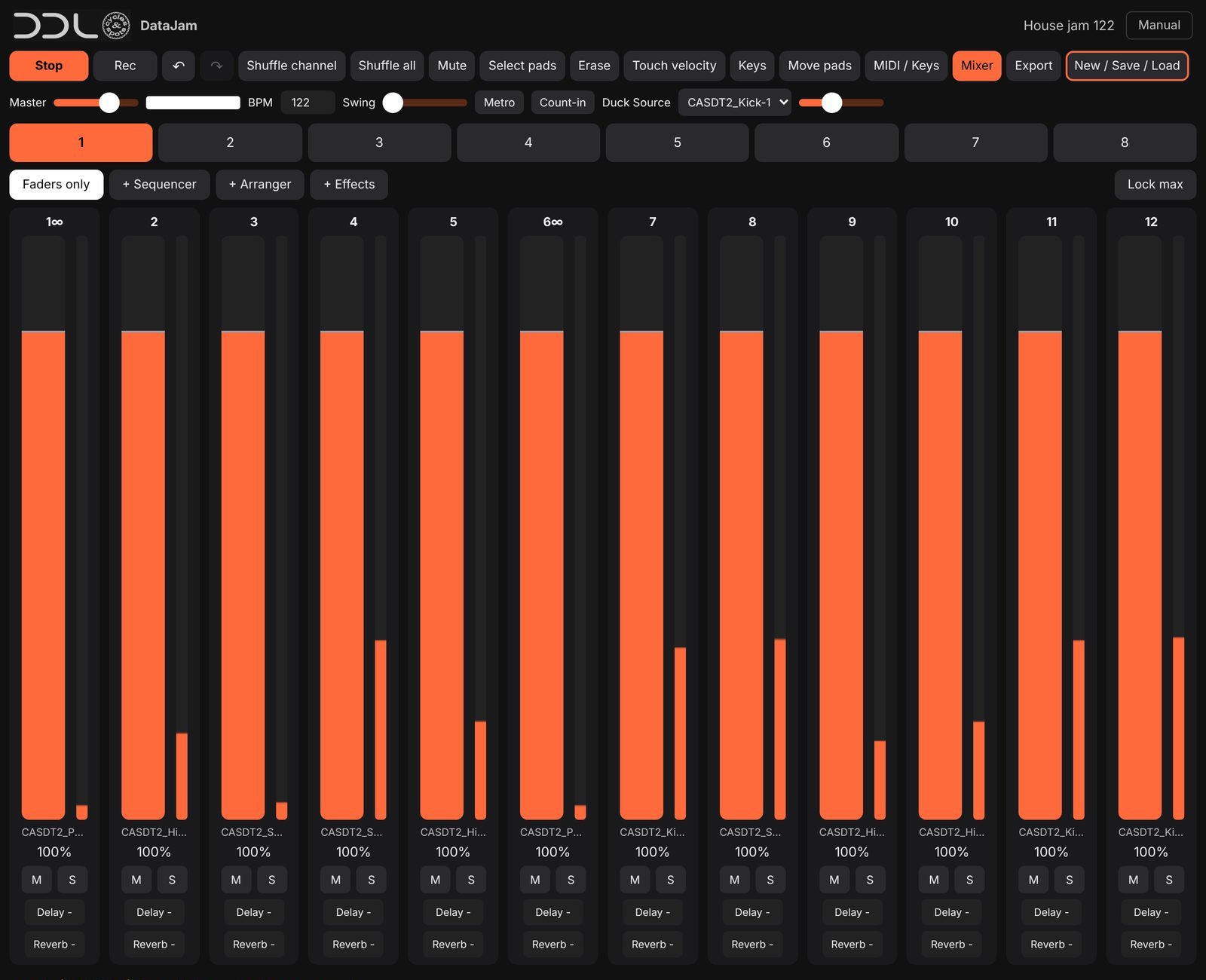
A real mixer
All 12 pads of a channel as faders with sends, mute and solo. Record fader moves as automation. Reverb, delay and tape effects are shared per channel.
Works on every device
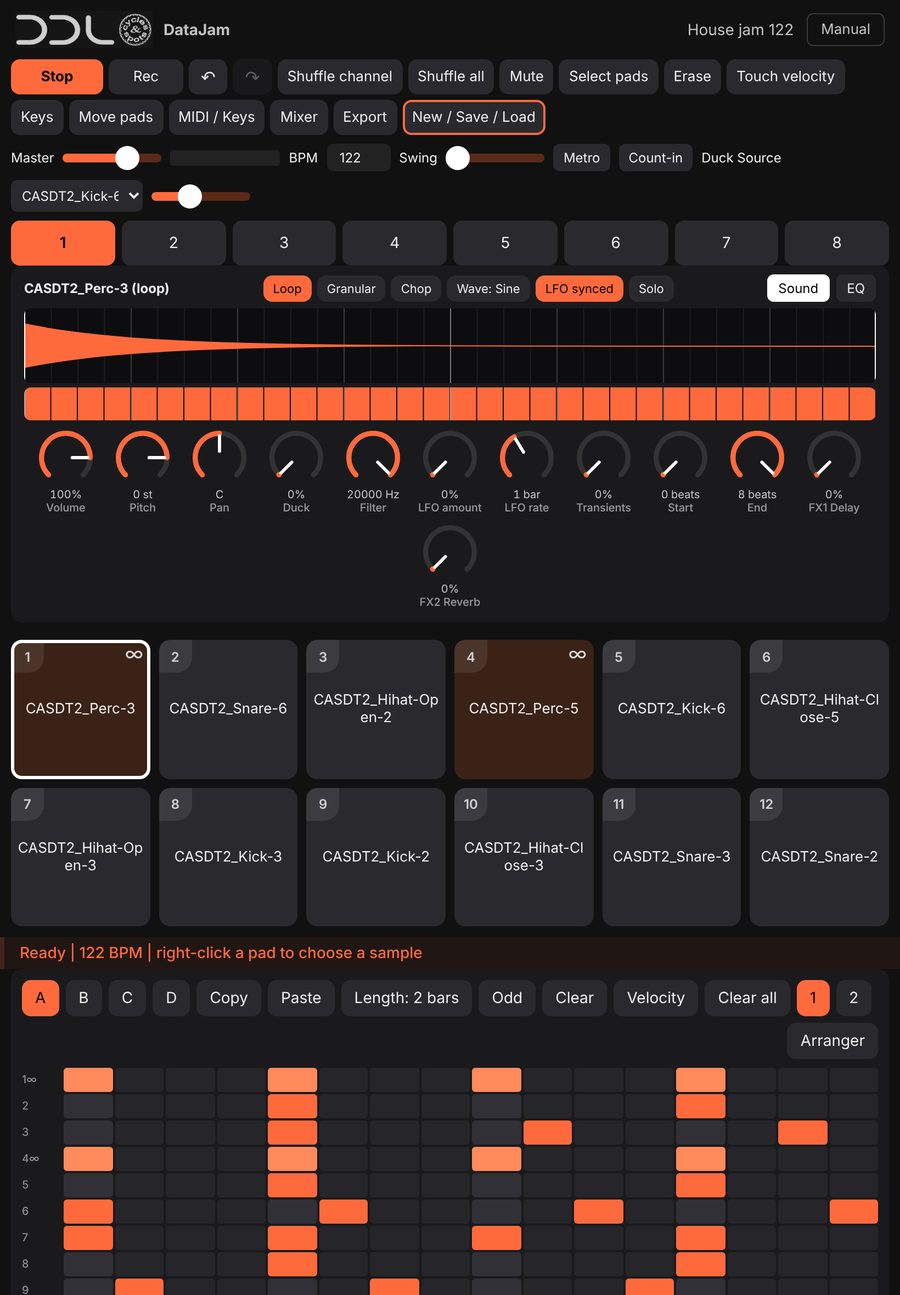
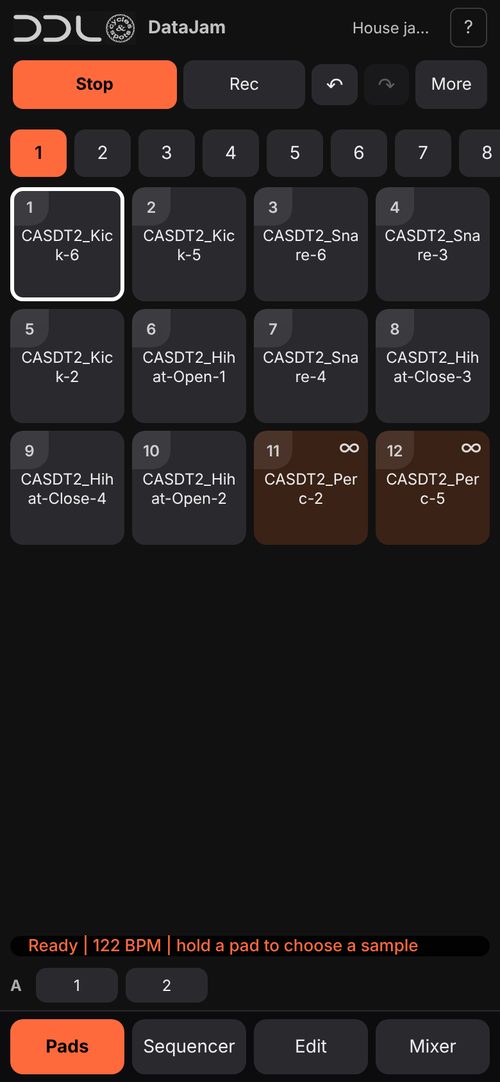
iPad, iPhone, Android, Mac and Windows – in Safari or Chrome. On iPhone and iPad choose Share > Add to Home Screen; on Android choose Menu > Install app; in Chrome on a computer use the install icon in the address bar. DataJam then opens full screen like an app.
Packs, trial and your songs
- Demo songs: load a demo song and play it right away – the sounds used in the demos are free to use, no login needed.
- Your packs: log in with your shop account and the packs you bought unlock automatically – for all packs that are available in DataJam. More packs are added over time, not every pack will be included.
- Try before you buy: test one pack for 24 hours. You can make and record songs with it; audio export needs the bought pack.
- Your songs are saved on your device. Use New / Save / Load > Export file for a backup.
Questions
Do I need to install anything? No. It runs in the browser.
Does it use a lot of data? No. Sounds download once when you use them and stay on your device, so the next time starts instantly. A normal session is a small download.
Something not working? Open the app, tap Manual and use Report a bug, or write to support@deepdataloops.com.